Order Management
Order Management is where every order lives, from first quote to a confirmed job on the trucks. This section follows the order lifecycle — the same statuses you see in the left-hand menu.
Where to find it
Left-hand navigation → Order Management.
The order lifecycle
An order moves through these statuses (each is its own list in the menu):
- Quotes — a priced proposal, before it's an order.
- Quotes Accepted — the customer has accepted (and often paid a deposit).
- Shopify Pending — orders that came in from your Shopify store, waiting to be actioned.
- Orders Pending — created but not yet confirmed; sits outside the operational workflow.
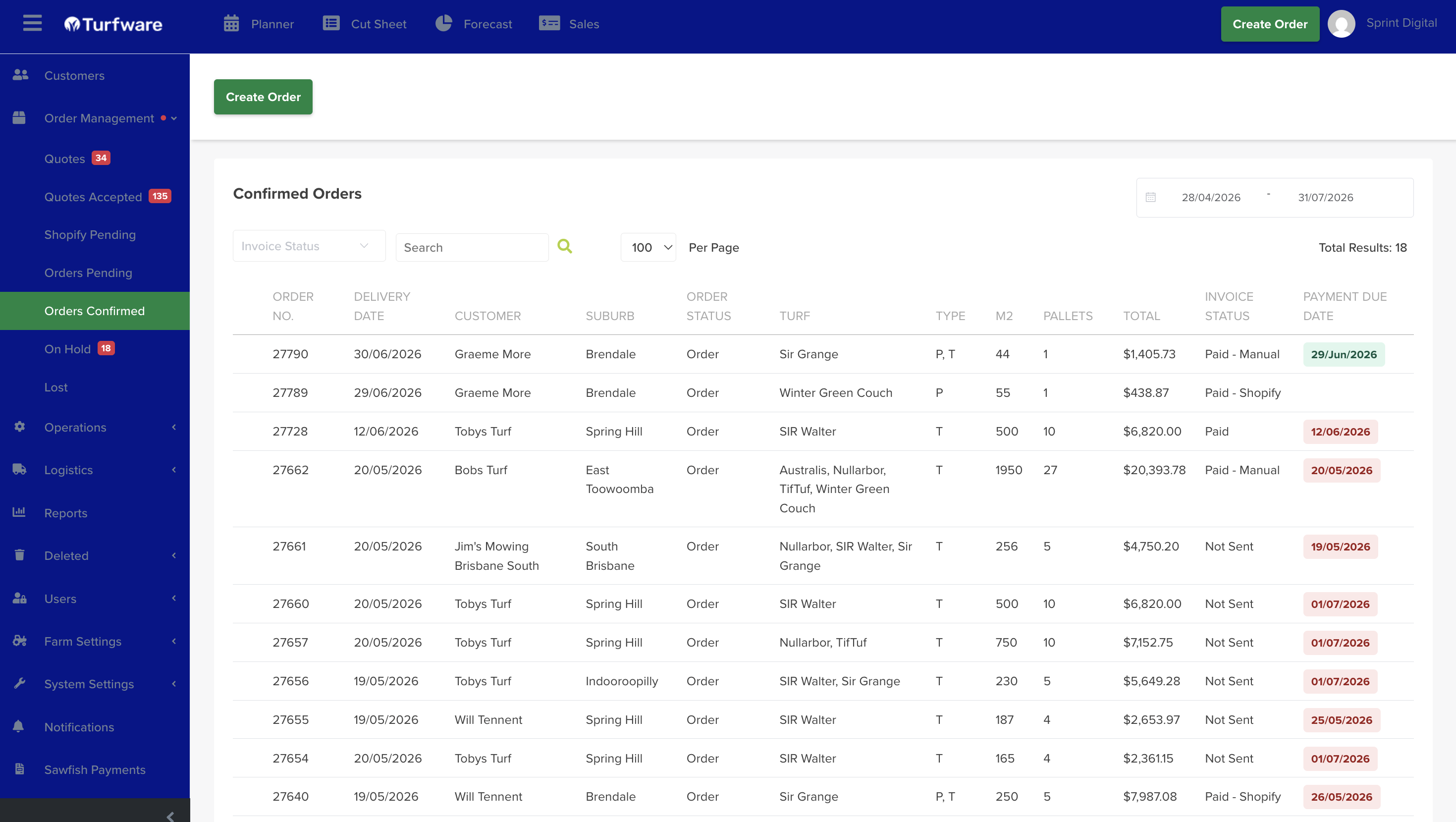
- Orders Confirmed — confirmed and pushed into harvest, delivery and laying.
- On Hold — paused and pulled out of cut sheets and delivery runs.
- Lost — cancelled or abandoned; closed and kept for reporting.
To build an order from scratch, see Creating & Managing an Order.
The orders list
Each status opens a filtered list of orders. The list shows, per order: Delivery Date, Customer, Status, Payment Status, Invoice Sent, Delivery Address, Turf Type, Size m², Turf Price, Supply/Lay, Freight, Pallet Count, Layer and Invoice No.
Narrow it with the filters along the top — date range, Turf Type, Order Status, Payment Status, Hide Invoiced Orders and Search a Customer — then Print the result if you need a hard copy.