Documents
The Documents tab stores key files against the customer — agreements, credit applications, site plans, anything you want kept on the customer's file.
Where to find it
Open the customer → Documents tab.
Add a document
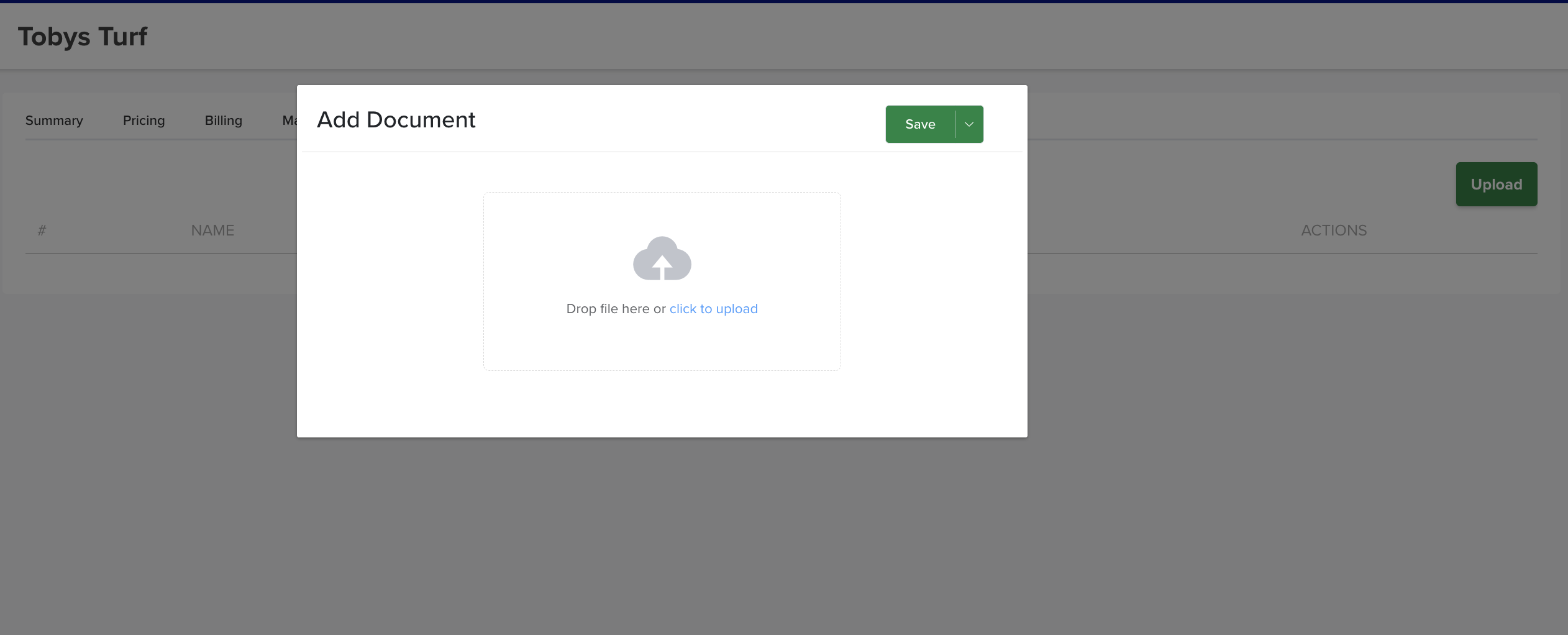
Click the green Upload button (top right), choose the file, and save. It's now stored against the customer and available to anyone who opens their record.