Delivery
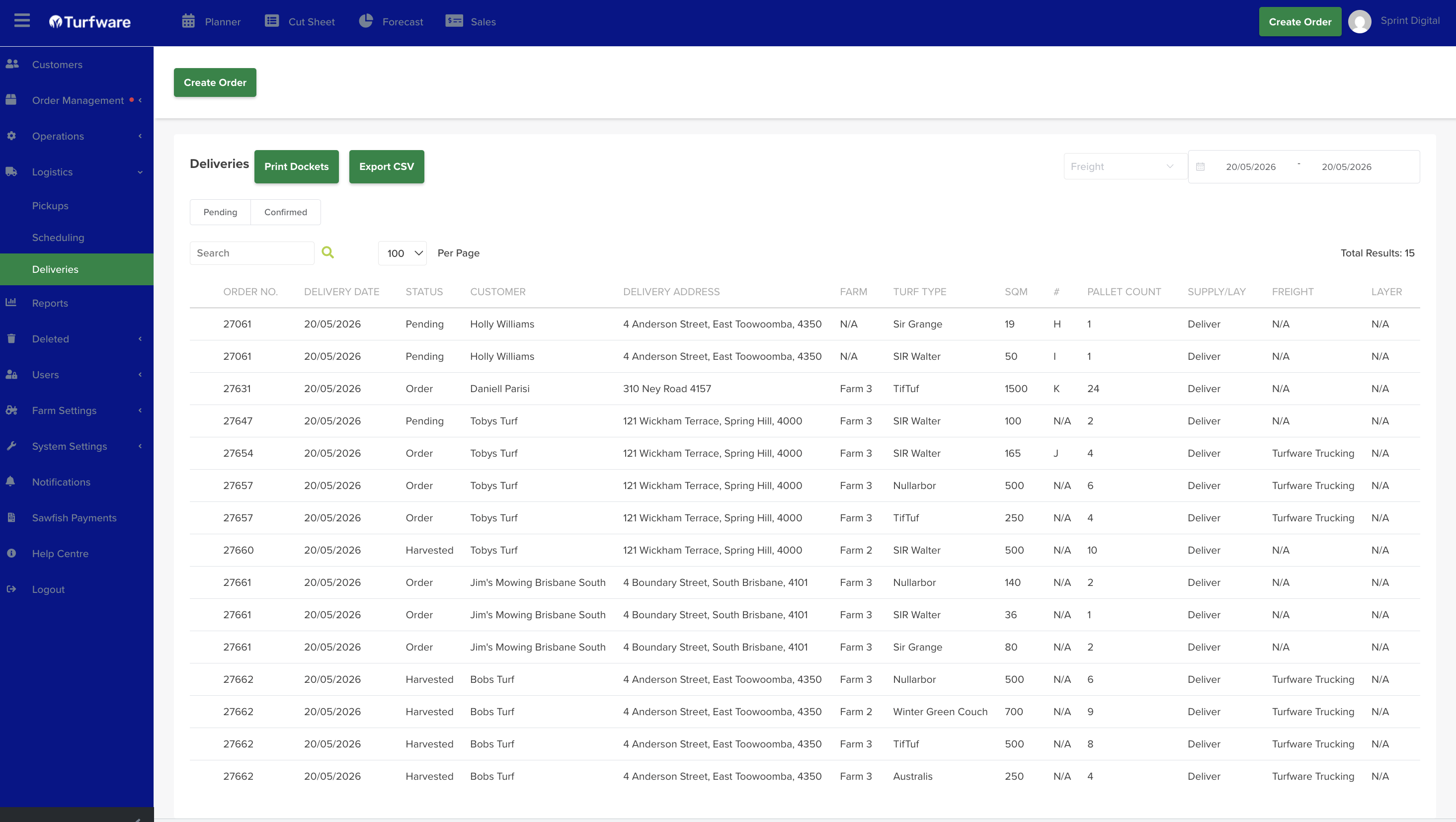
The Delivery screen (Logistics → Delivery) lists your deliveries for a date range. Switch between the Pending and Confirmed tabs; each row shows the order number, customer, delivery address, delivery date, pallet count and status.
Export to CSV
To export the current list, click the green Export CSV button at the top. The filtered table downloads to your machine as a CSV file — this is the freight booking file you send to your carrier.
The sender contact on the file — the email and phone your carrier will use to reach you — comes from your own Company Details (Turfware Setup → Company Information), so check those are your business's details, not a placeholder.
Print dockets
Click the green Print Dockets button at the top. The delivery dockets are generated as a PDF, which opens in a new tab ready to print.