Installation
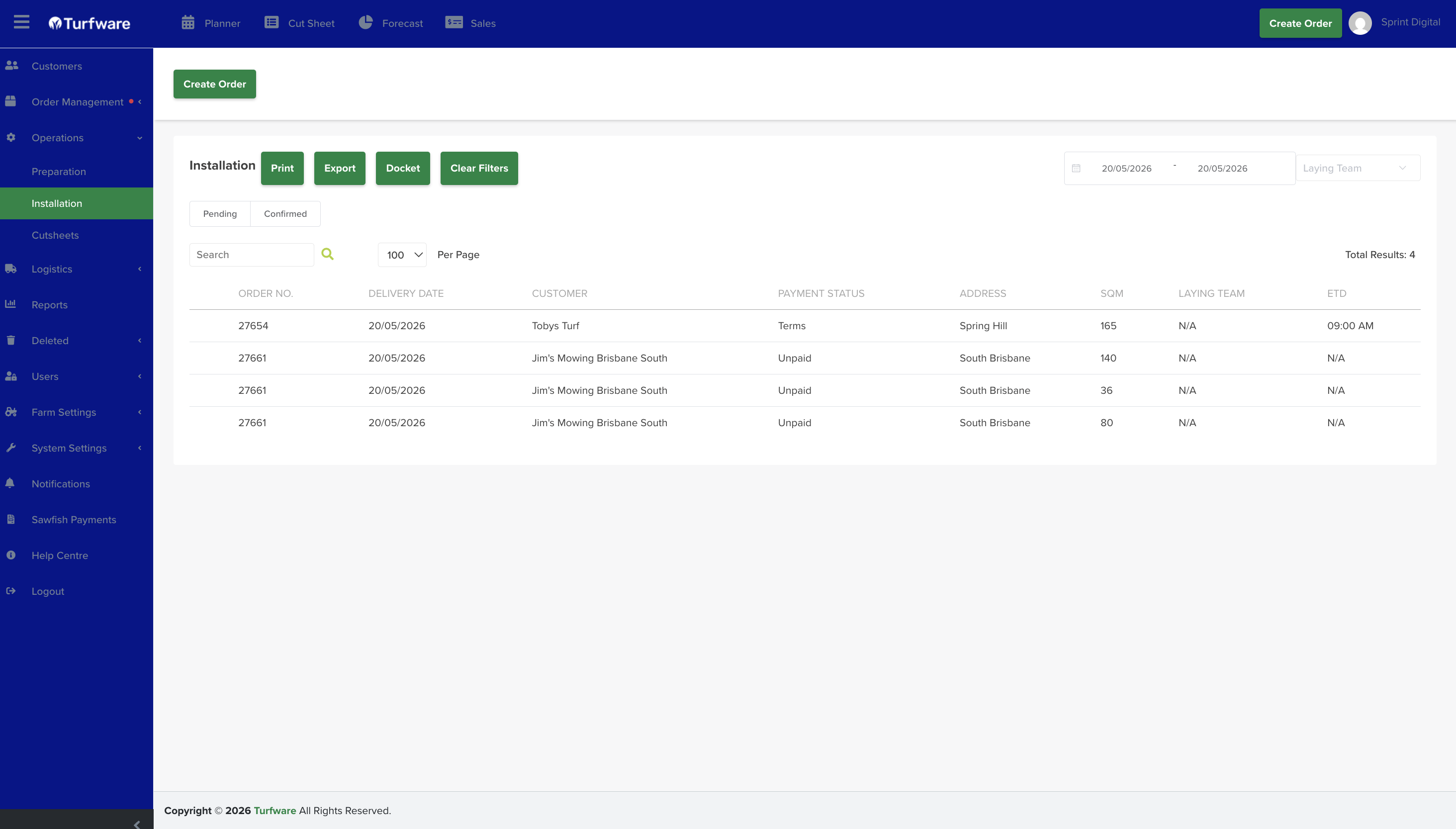
The Installation report lists the orders that have laying (installation) work, ready to print, export or send as a docket.
Where to find it
Left-hand navigation → Operations → Installation.
Filters
- Date range — the period to report on.
- Order status — the Pending / Confirmed tabs.
- Laying team — optionally filter by the laying team handling the job.
- Search — find a row by order number, customer, and so on.
The list
Each row shows the order number, delivery date, customer, payment status, address, SQM, laying team and ETD (estimated time of delivery).
Actions
- Print — open the report as a PDF to print.
- Export — download the report as an Excel file.
- Docket — generate a docket for the job.
- Clear Filters — reset all filters to the default view.