Special Pricing
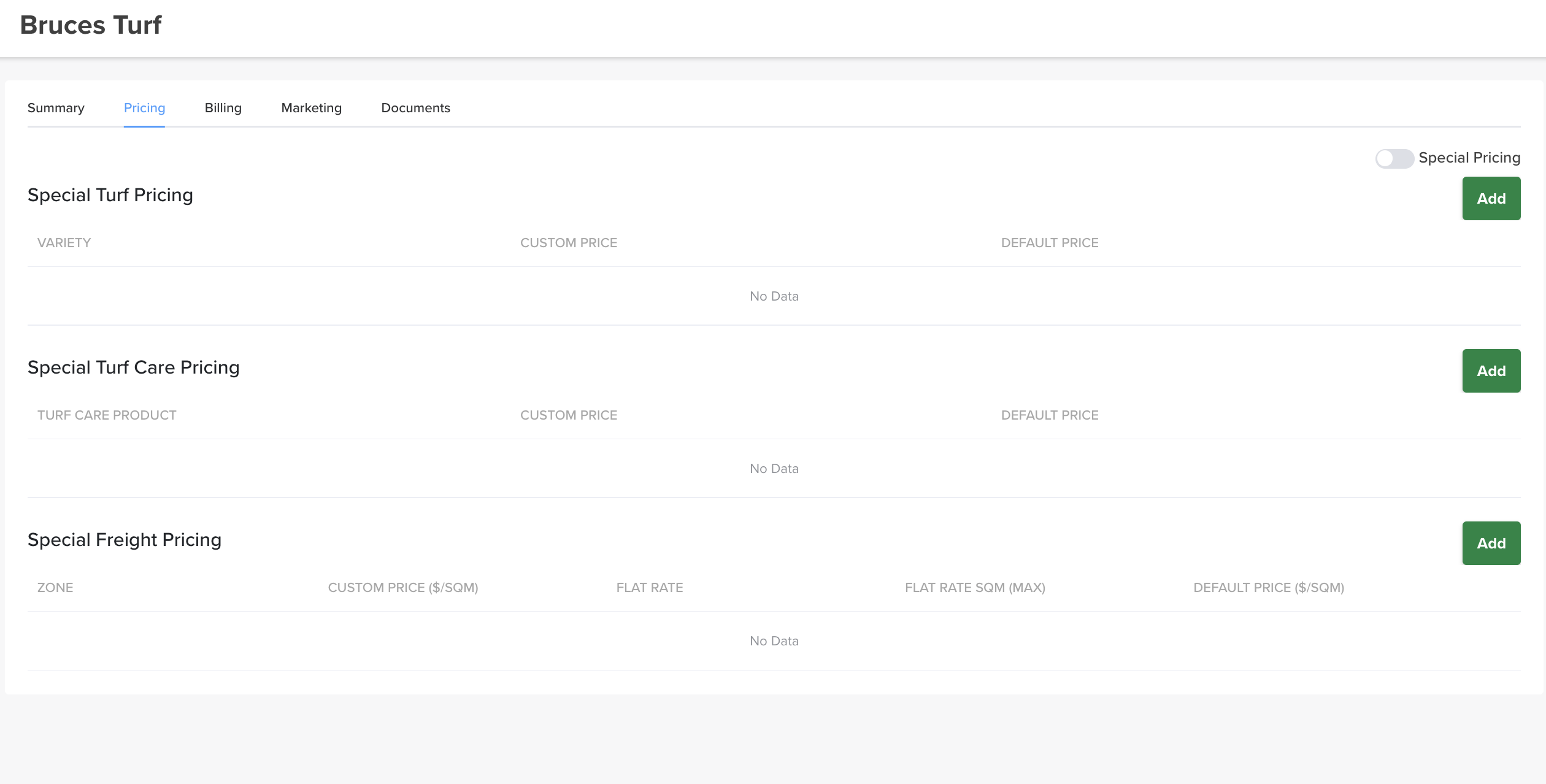
The Pricing tab is where you set customer-specific pricing.
Where to find it
Open the customer → Pricing tab.
This overrides everything
Special pricing applies only to this customer and overrides all other price settings in Turfware (including segment pricing). Use it for negotiated customer rates.
Turn it on
Special pricing is off by default. Switch the Special Pricing toggle on (top right of the tab) to activate it.
Set the prices
With it on, add pricing in three sections — each shows the Custom Price against the standard Default Price, and each has its own Add button:
- Special Turf Pricing — a custom price per turf variety.
- Special Turf Care Pricing — a custom price per turf care product.
- Special Freight Pricing — a custom freight rate per zone: custom $/SQM, a flat rate, and a flat-rate SQM (max).
Save your changes. From now on, this customer's orders use these rates instead of the standard ones.